Keeping Up with Digital Accessibility: What You Should Know
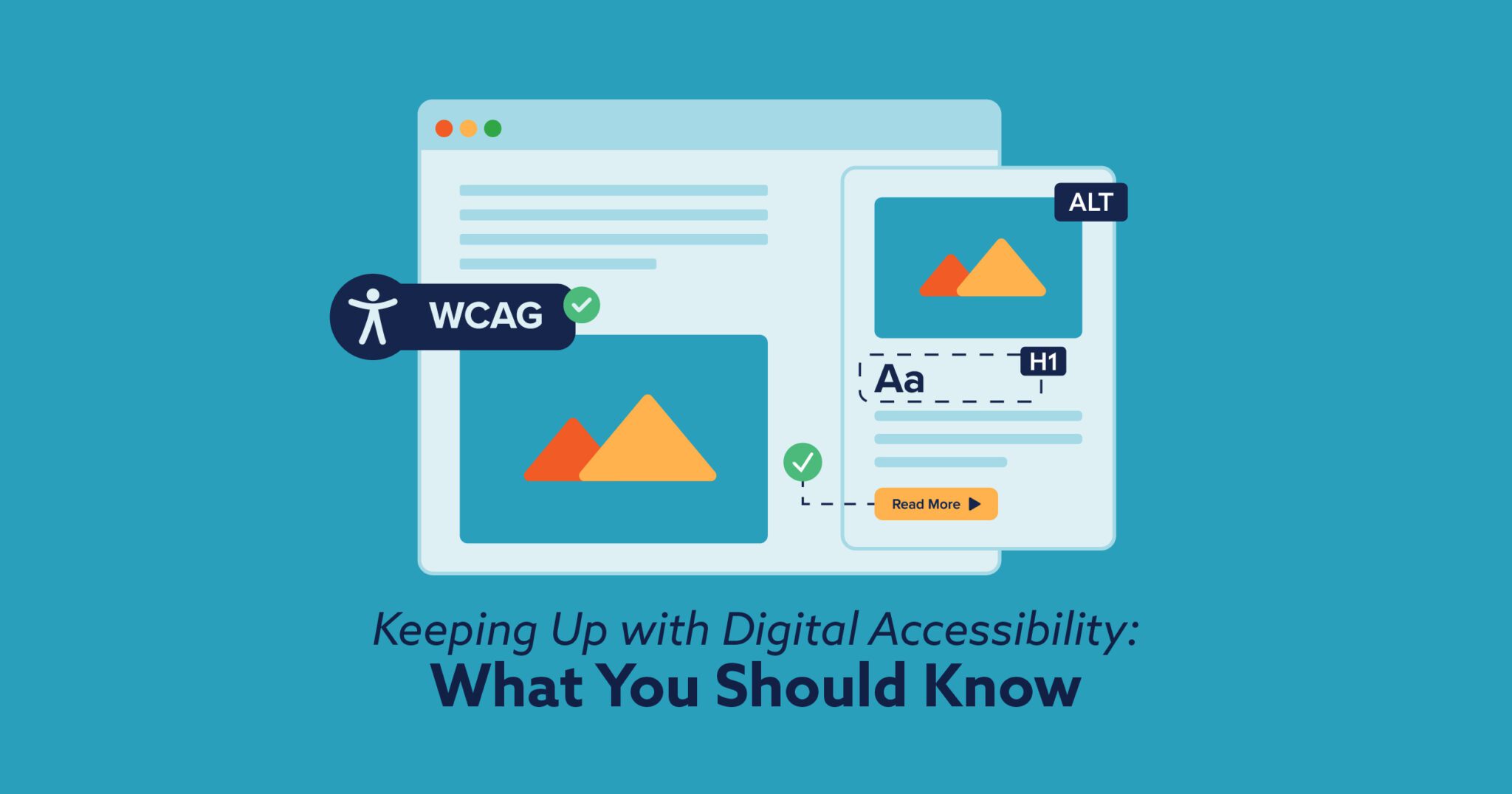
In digital marketing, it’s easy to get distracted by the latest AI trends or social media algorithms. However, a major legal shift is happening that every business, non-profit, and government entity needs to notice.
We’ve been diving deep into the latest accessibility requirements. Here is what we’ve learned, how we’re already supporting these initiatives, and our plan to keep your site compliant through 2026 and beyond.
The New ADA Standard
The biggest change is the arrival of a single, clear technical standard. On April 24, 2024, the Department of Justice (DOJ) published a final rule under Title II of the Americans with Disabilities Act (ADA).
This rule mandates that state and local governments meet the Web Content Accessibility Guidelines (WCAG) 2.1 Level AA compliance. While the deadlines for government entities hit as early as April 2026, the impact ripples everywhere. Private businesses and non-profits are increasingly held to this same “Level AA” benchmark by the courts.
The Core “POUR” Principles
The WCAG standards are built on four foundational principles. Think of these as the “litmus test” for a truly inclusive website:
Perceivable: Users must be able to “see” or “hear” the info.
Example: Adding Alt Text to images so a screen reader can describe the photo to someone with a visual impairment.
ALT TEXT IS A WRITTEN DESCRIPTION THAT MAKES IMAGES ACCESSIBLE TO SCREEN READERS AND SEARCHABLE FOR SEO

GOOD ALT TEXT
“A flat-style cartoon of a smiling girl with dark hair, wearing a light tan shirt and dark shorts, performing a side stretch.”
NO ALT TEXT
“stretching-graphic-02.png”
Operable: Users must be able to navigate the site, even without a mouse.
Example: Keyboard Navigation. Many users use the “Tab” key to move through a site. If your menus don’t work with a keyboard, the site is “inoperable.”
Understandable: Information and navigation must be clear.
Example: Avoiding vague “Click Here” buttons. Instead, use descriptive links like “Download our 2026 Service Guide.”
DESCRIPTIVE LINK TEXT MAKES LINKS ACCESSIBLE TO SCREEN READERS AND
SEARCHABLE FOR SEO
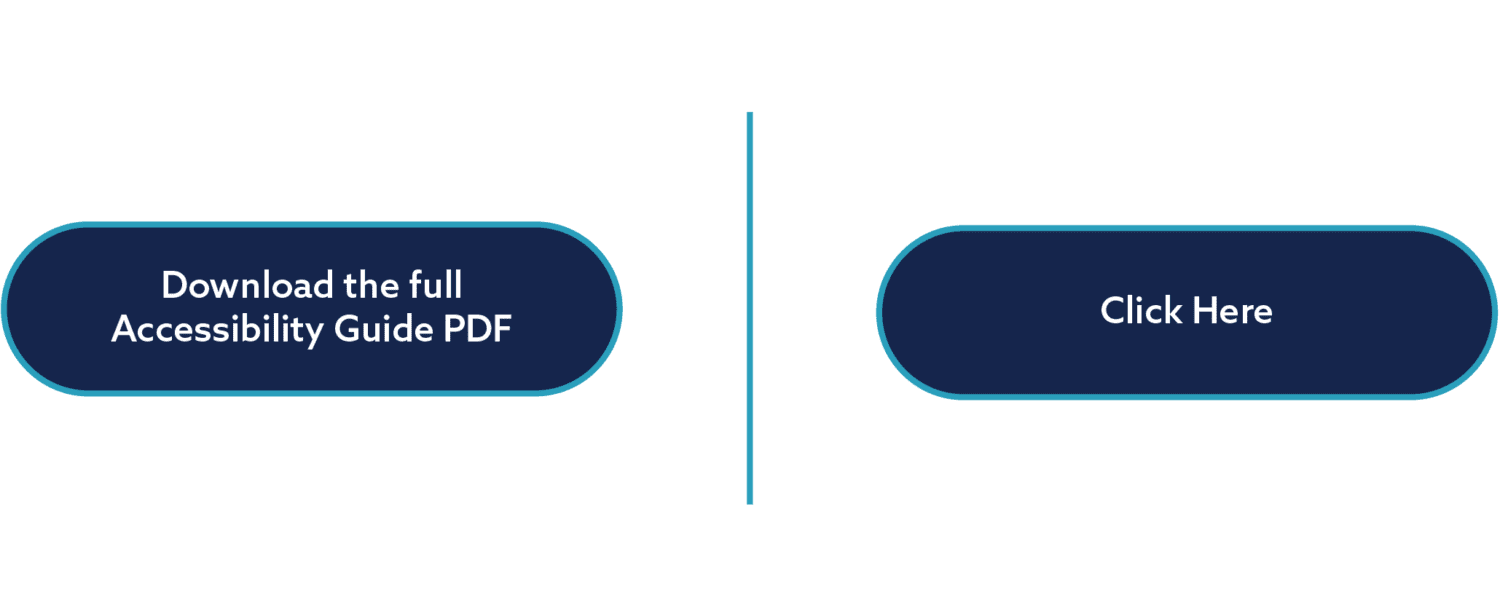
GOOD LINK TEXT
Screenreader reads, “Download the full Accessibility Guide PDF,” which gives the user context as to what they are clicking on.
BAD LINK TEXT
Screenreader reads, “Click Here,” which does not give the user any context as to what they are clicking on
Robust: Content must work with current and future assistive technologies.
Example: Ensuring code is clean so Screen Readers (like JAWS, NVDA, or VoiceOver) can translate the code into speech accurately.
Our Proactive Approach at Pinnacle
We build our websites with long-term success in mind, integrating global standards into the very fabric of our design and development process rather than treating them as an afterthought.
1. Built-In Standards (Our Build Process)
- Logical Hierarchy: We use a strict heading structure (one H1 per page, then H2s and H3s). These are designated so users with assistive technology can jump between sections logically.
- Structured Modules: We use dedicated list and table modules for data. This ensures screen readers can announce exactly how many items are in a list or how data cells relate to their headings.
- Design with Intention: We test color combos to ensure they have sufficient contrast. Links are made obvious using multiple cues—like underlines and icons—rather than just a color change.
- Controlled Interaction: We avoid intrusive autoplay and excessive animations. All sliders include manual controls (arrows/dots), and we ensure no essential content is hidden behind “entrance effects.”
- Clear Documentation & Forms: Every image includes descriptive alt text, and videos include closed captioning. Our forms never hide labels, and we include clear instructions for required fields so there is no guesswork for the user.
- Responsive Integrity: We ensure the “reading order” makes sense when content stacks on mobile devices. We also avoid forced line breaks, using padding instead to ensure text flows naturally on all screen sizes.
2. Ongoing Auditing (Addressing the Gaps)
While our build process sets a strong foundation, WCAG 2.1 Level AA is a broad and evolving standard. To bridge the gap, we have evolved our strategy:
We have begun to deploy automated accessibility auditing tools to surface any WCAG 2.1 AA gaps. By automating the discovery phase, we streamline our ability to identify and resolve compliance discrepancies, working toward alignment with newly enacted legal standards. The digital landscape is shifting, and we are evolving alongside it. To ensure our clients remain compliant as standards progress, our strategy includes ongoing education and monitoring of conformance levels.
Why Accessibility is Good for Business
Accessibility isn’t just about avoiding a lawsuit; it’s a growth strategy.
SEO & AI Benefits: Search engines “read” websites much like screen readers do. Accessible content is easier to index, which boosts your SEO. For more on how the web is changing, check out our blog on SEO vs. GEO: What’s the Difference?
Reach More People: Roughly 25% of the population lives with a disability. If your site isn’t accessible, you’re essentially closing your front door to a quarter of your potential customers.
Get Your Site Up to Standard
The digital world is changing, and accessibility is now at the forefront of a successful online presence. Whether you are a small municipality facing upcoming deadlines or a business looking to expand your reach, we’re here to help.
We would be happy to chat about your options!
Contact Us Today!

